
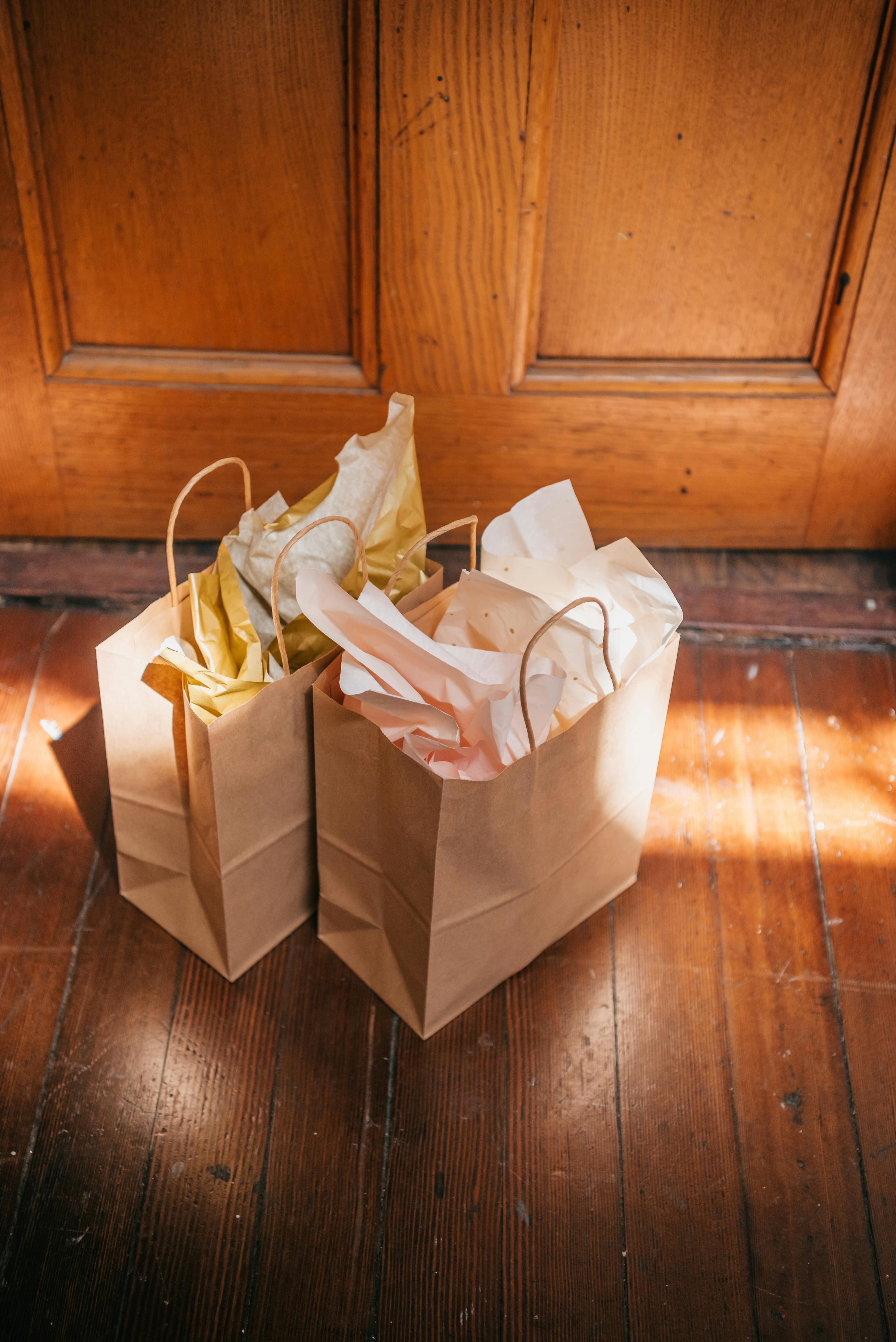
Porch pickup
Customers reserve ahead and follow your pickup instructions.
For home cooks and small kitchens
Post baked goods, meal prep, family trays, and comfort meals for scheduled local pickup. Customers reserve ahead, and you choose when pickup happens.
Why cooks choose KCM
List your kitchen for free. You set your own prices, keep the full listed price you set, and customers pay the platform service fee at checkout.
If you cook, bake, or prep meals, you may be ready to start.
Cookies, breads, cakes, rolls, and small batch sweets.
Weekly trays, lunches, dinners, and ready-to-heat meals.
Comfort meals, holiday trays, and group dinners.
Reserve online and pick up at your booth or event table.
Use a community, commissary, or partner kitchen path.
Give repeat customers one place to find your pickup food.
How it works
Kitchen pages and listings may be reviewed before going public so the marketplace stays clear, local, and trustworthy.
Start with your Kitchen Counter-Measures account.
Add your kitchen name, pickup area, and food plans.
Check what applies to your menu and prep setting.
Set price, quantity, cutoff, and pickup window.
Customers reserve ahead so you can plan prep.
Share timing, notes, and handoff details.
Pickup styles
Use the pickup style that fits your food, prep space, and customers.
Customers reserve ahead and follow your pickup instructions.
Set a short pickup window and meet customers outside.

Coordinate pickup at a park, lot, pop-up, or public spot.

Let customers reserve online and pick up from your booth.
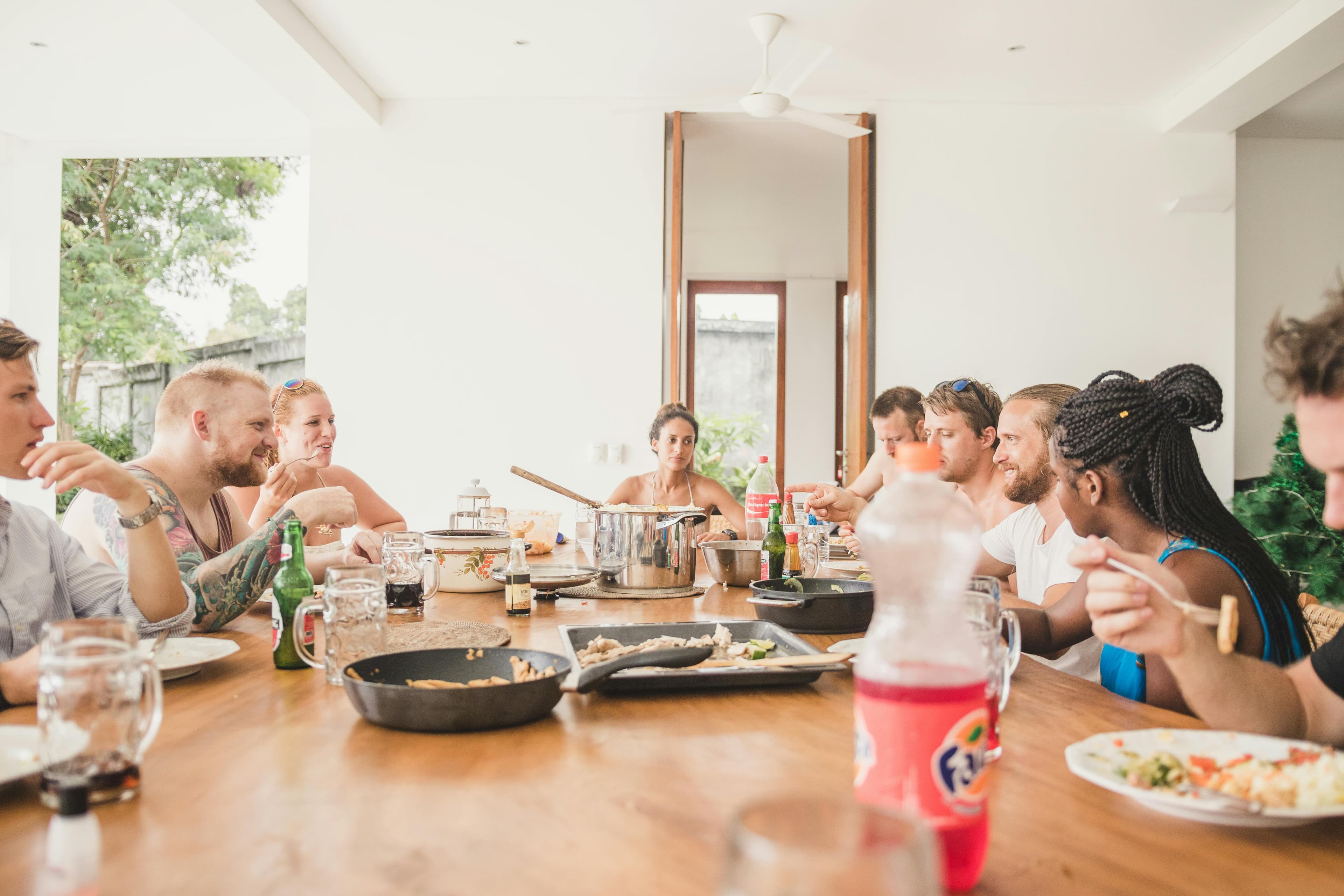
Use a church, community, licensed, or shared-use kitchen.
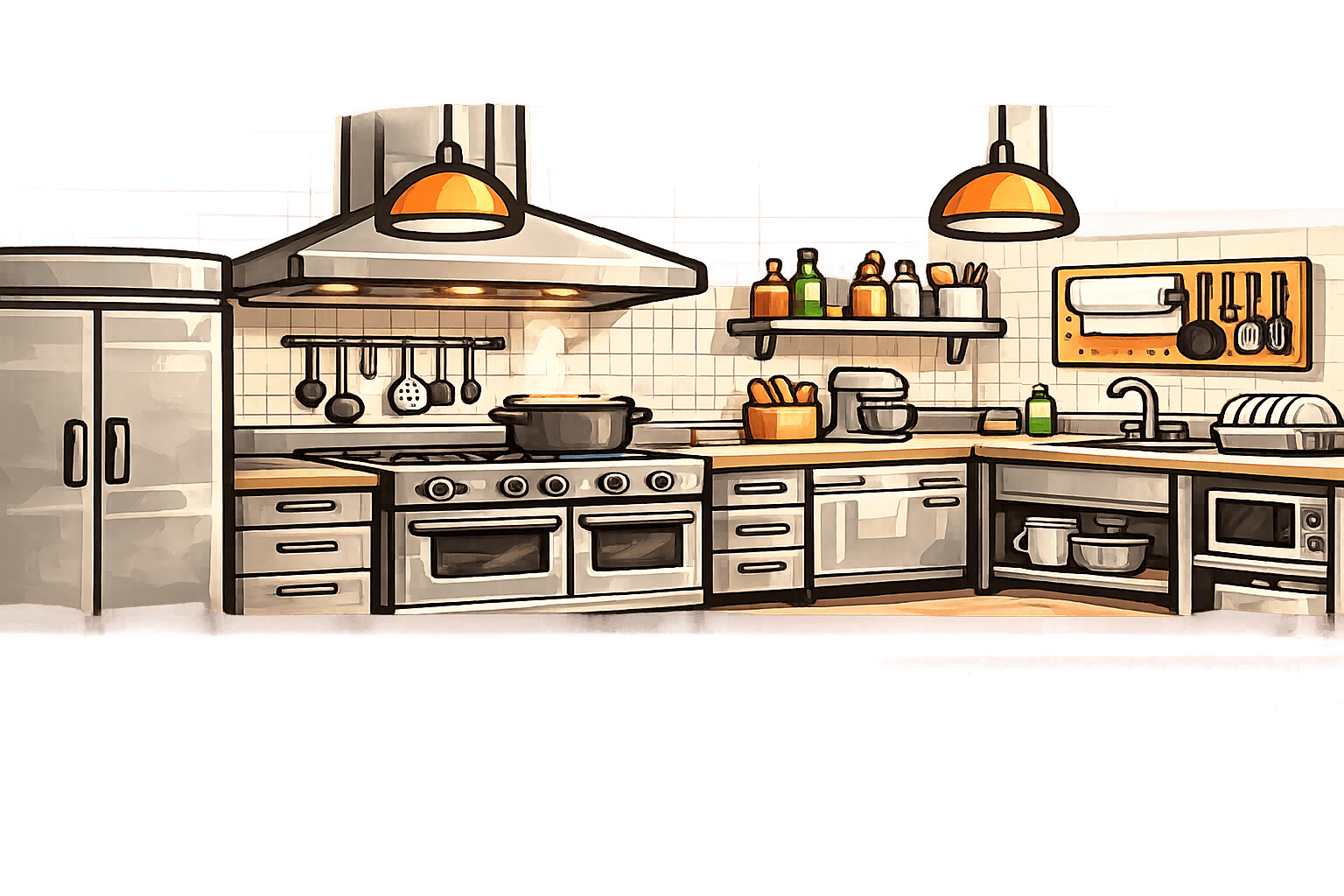
Use a partner prep space for larger runs or public pickups.
What can I sell?
Examples only. Actual allowed foods depend on your location, prep setting, and food rules.

Boxes and batches
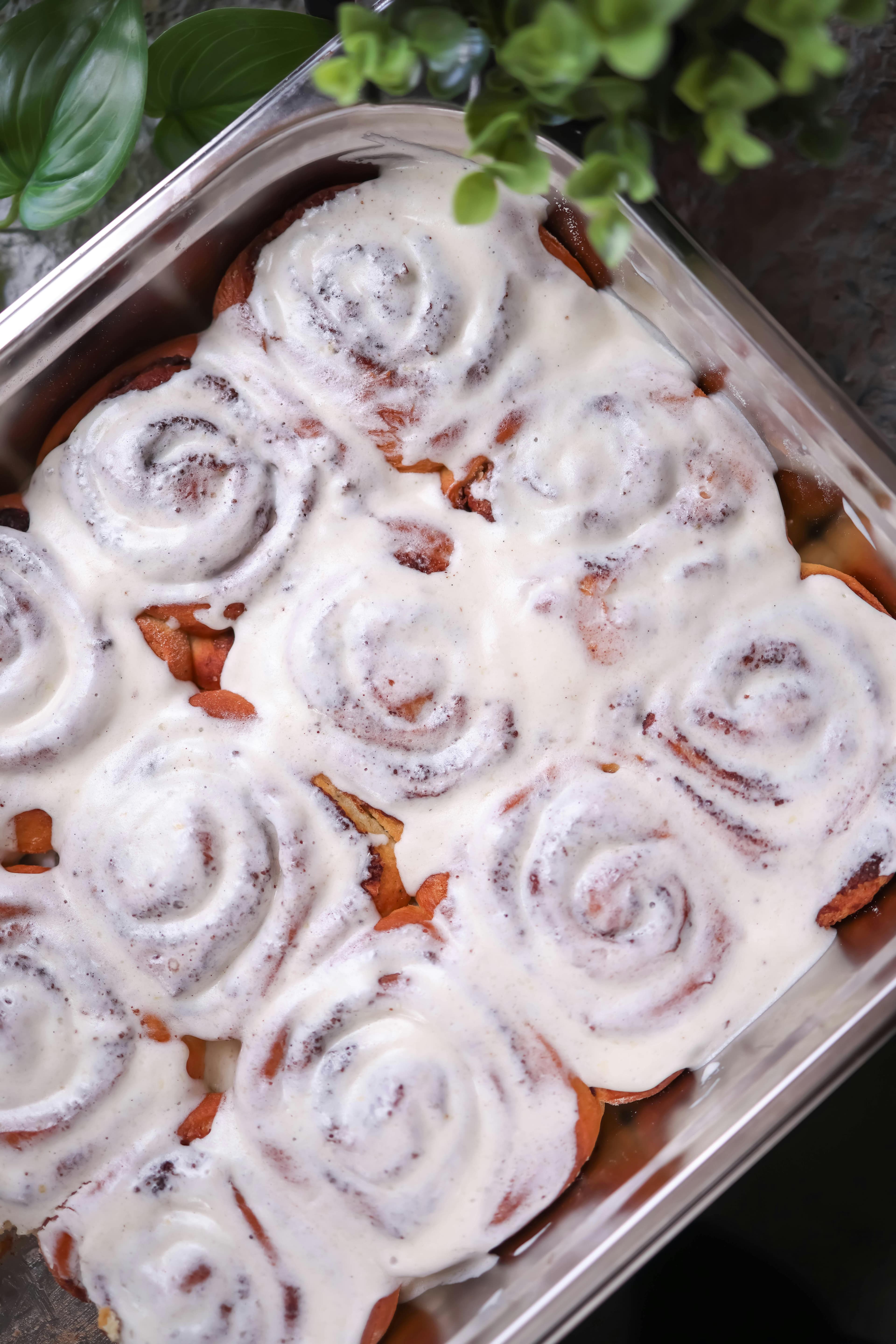
Weekend pickup runs
Weekly prepared meals
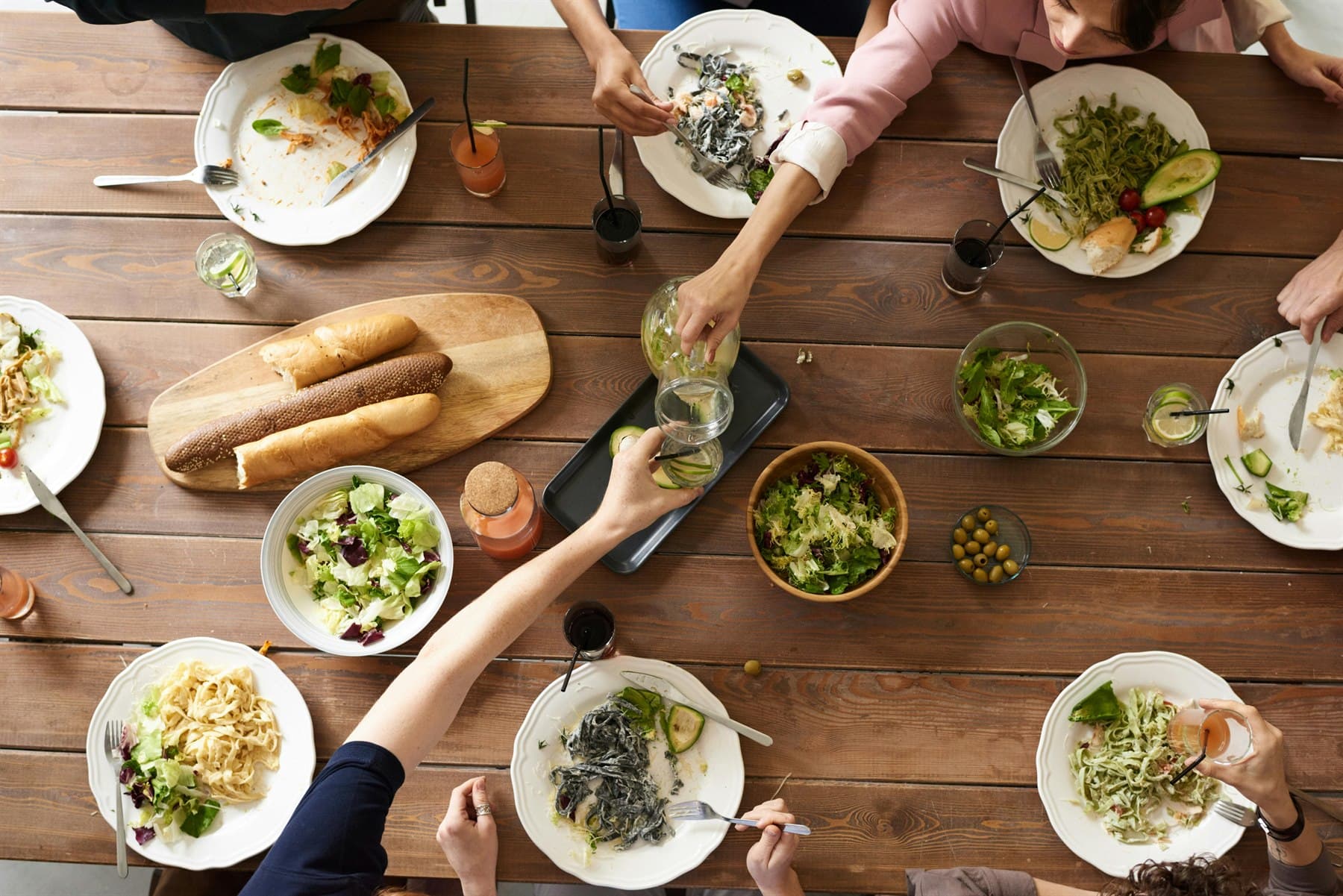
Dinner trays and comfort food
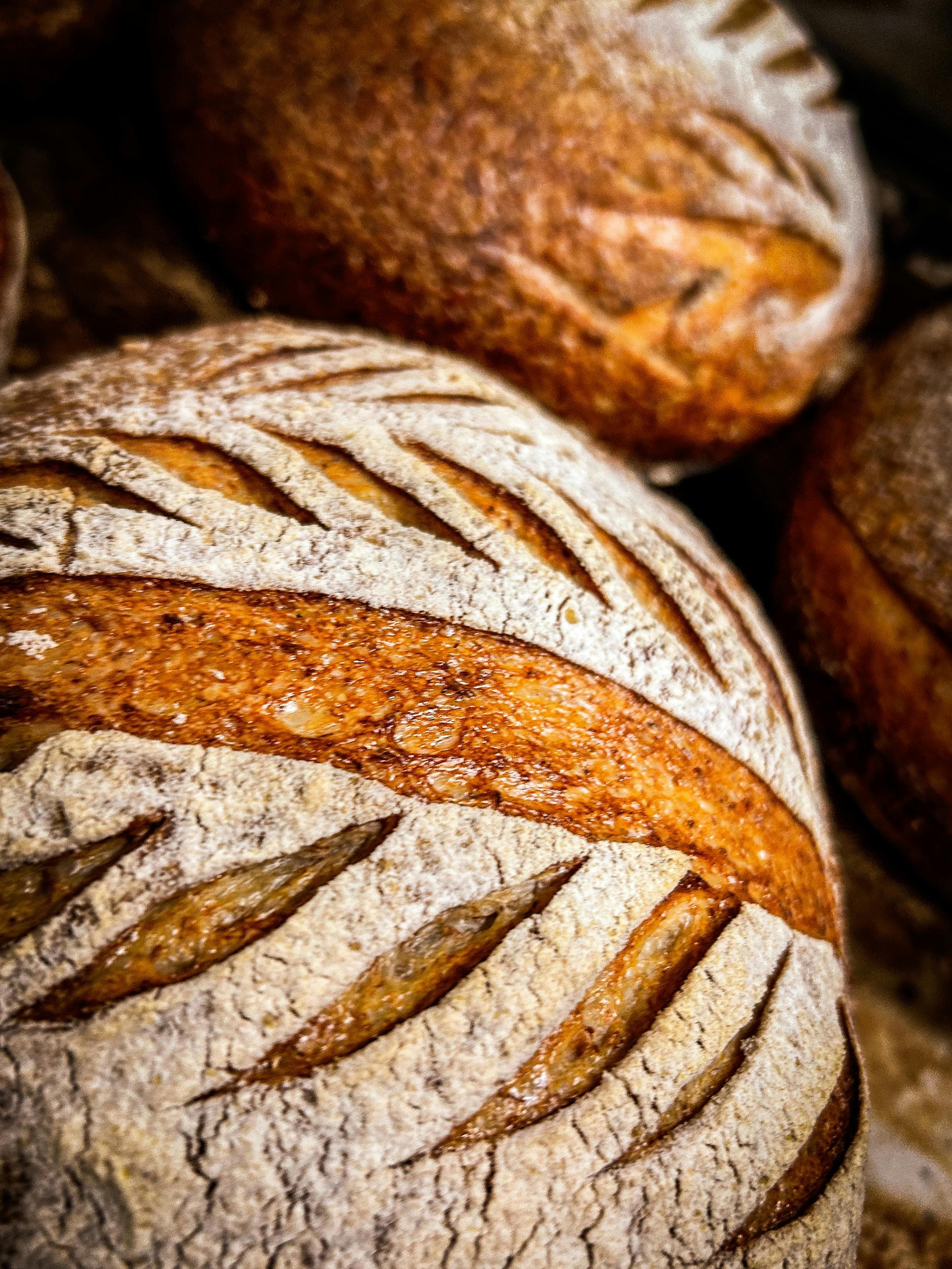
Loaves and baked goods
Pickup at booths and events
Inside the platform
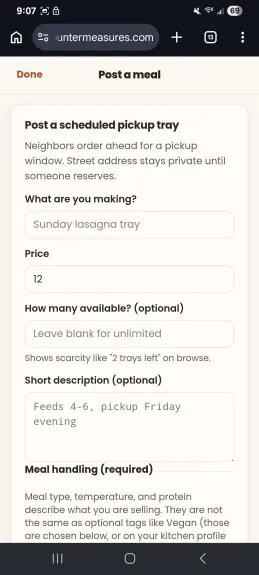
Create listings in minutes with pricing, quantities, pickup windows, and meal details.
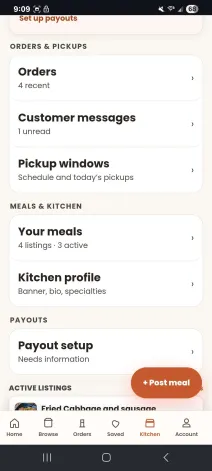
Track orders, customer messages, pickup schedules, listings, and payouts from one dashboard.
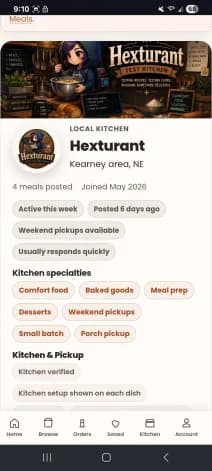
Customers see your specialties, pickup style, availability, and active listings.
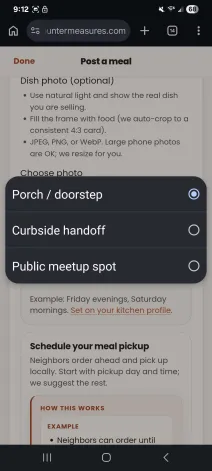
Choose porch pickup, curbside handoff, or public meetup locations.
Ready to start?
Start with a kitchen name, pickup area, and the foods you want to offer. You can finish the rest later.
Start your kitchenCook questions
Customers pay when they reserve a meal. You choose the listed meal price, customers see applicable checkout fees before paying, and payouts go to your connected payout account.
Learn about payoutsCreate an account, complete the cook application, review food and pickup details, then wait for approval before your kitchen goes public.
See the cook processCustomers can discover meals through Browse, pickup areas, categories, kitchen profiles, and direct links shared by cooks.
See how discovery worksFood rules vary by location and menu. Pickup guidance explains address privacy, public meetups, and safer handoff expectations.
Read disclosures